
Law Firm Client Portal
DirectLaw’s law firm client portal keeps communications, file sharing, calendars, and legal service sales all in one secure online space.
How it Works
DirectLaw supports many different ways of communicating and collaborating with your client using a client portal.
Clients Get a Secure DirectLaw Client Account
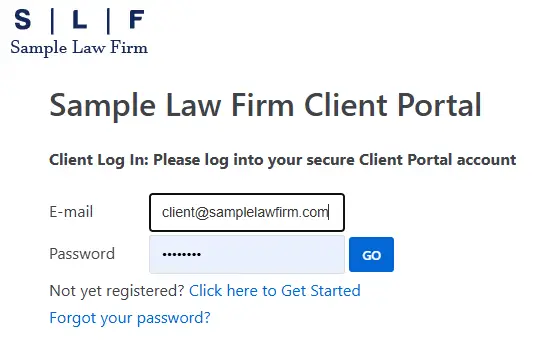
Clients can use their DirectLaw client account to log in to your client portal at any time to interact with your firm, purchase services, and pay invoices.
Client Registration Options
Clients can register for their DirectLaw client account themselves with their email address and password. Alternatively, DirectLaw makes it easy for you to set up an account for them. Finally, DirectLaw also lets you send clients email invitations with instructions on how to set up their account.
Communicate with Clients
All of your communications with a client will be in one secure place. The client can always access your communications by logging into their client portal. You can access your client’s communications through your attorney dashboard. This is much more secure and traceable way to communicate tha text or email.
Share Files
DirectLaw allows the client to upload files for the firm and vice versa. All files are accessible to the client through their client portal and to the firm through the attorney dashboard.
Calendar
Remind clients of important events by putting them on the client’s calendar. The client will receive a reminder when the event is approaching.
Sell Legal Services
Clients can purchase legal services such as legal documents, legal advice questions or legal document review directly in their client portal.
Invoice Clients
DirectLaw lets you create invoices which clients can pay online with a credit card by logging into their client portal.